
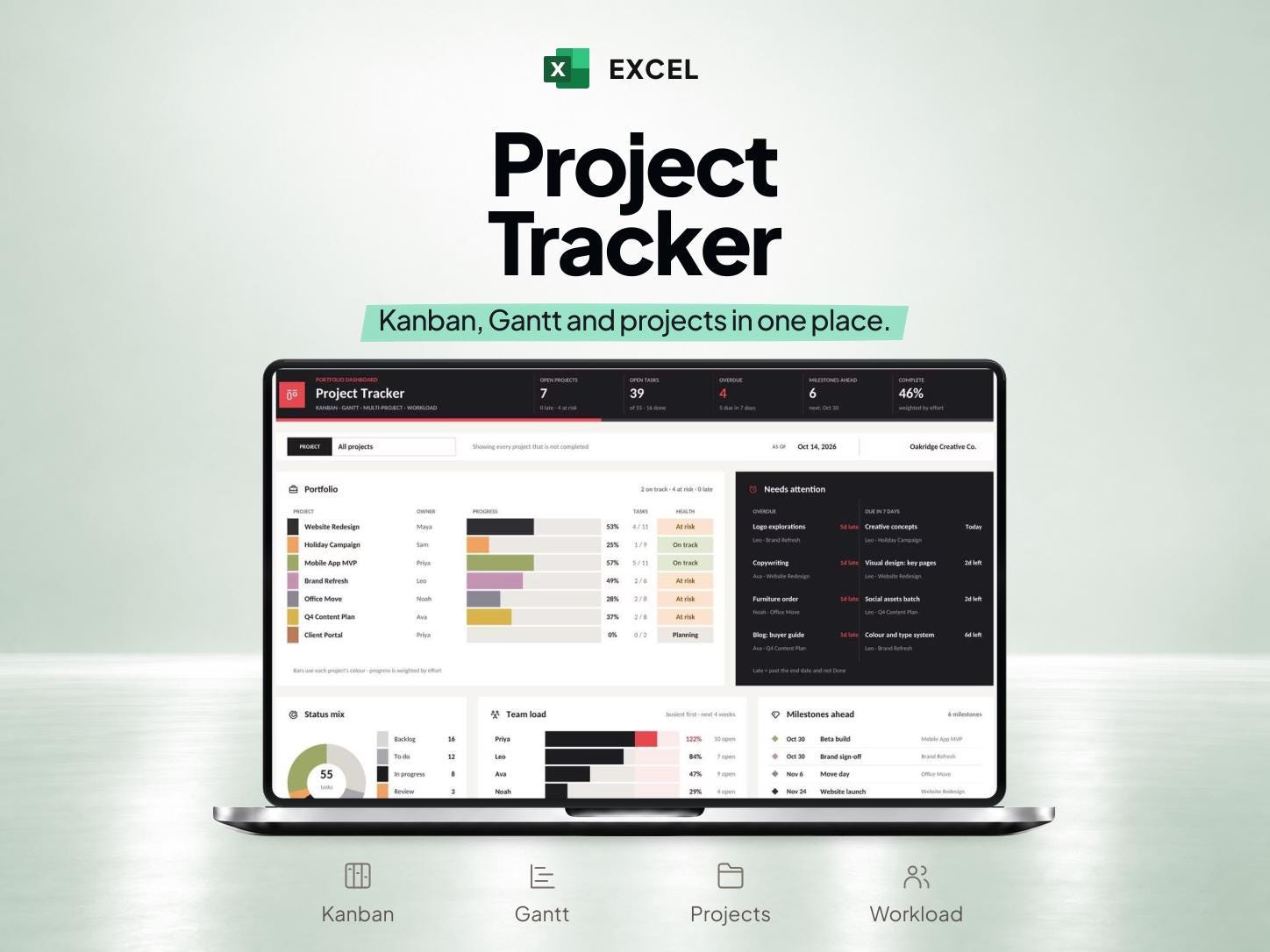
What is included
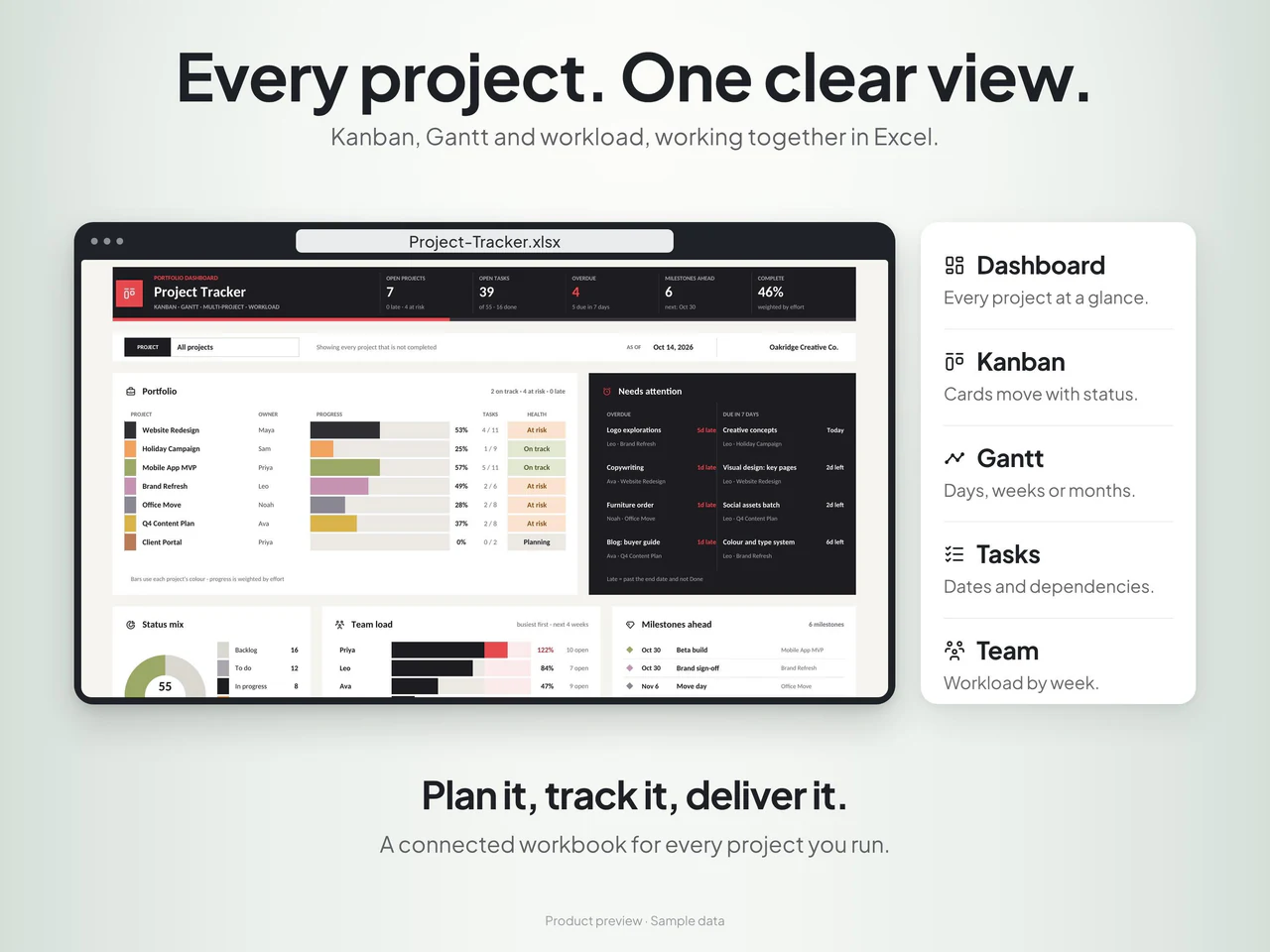
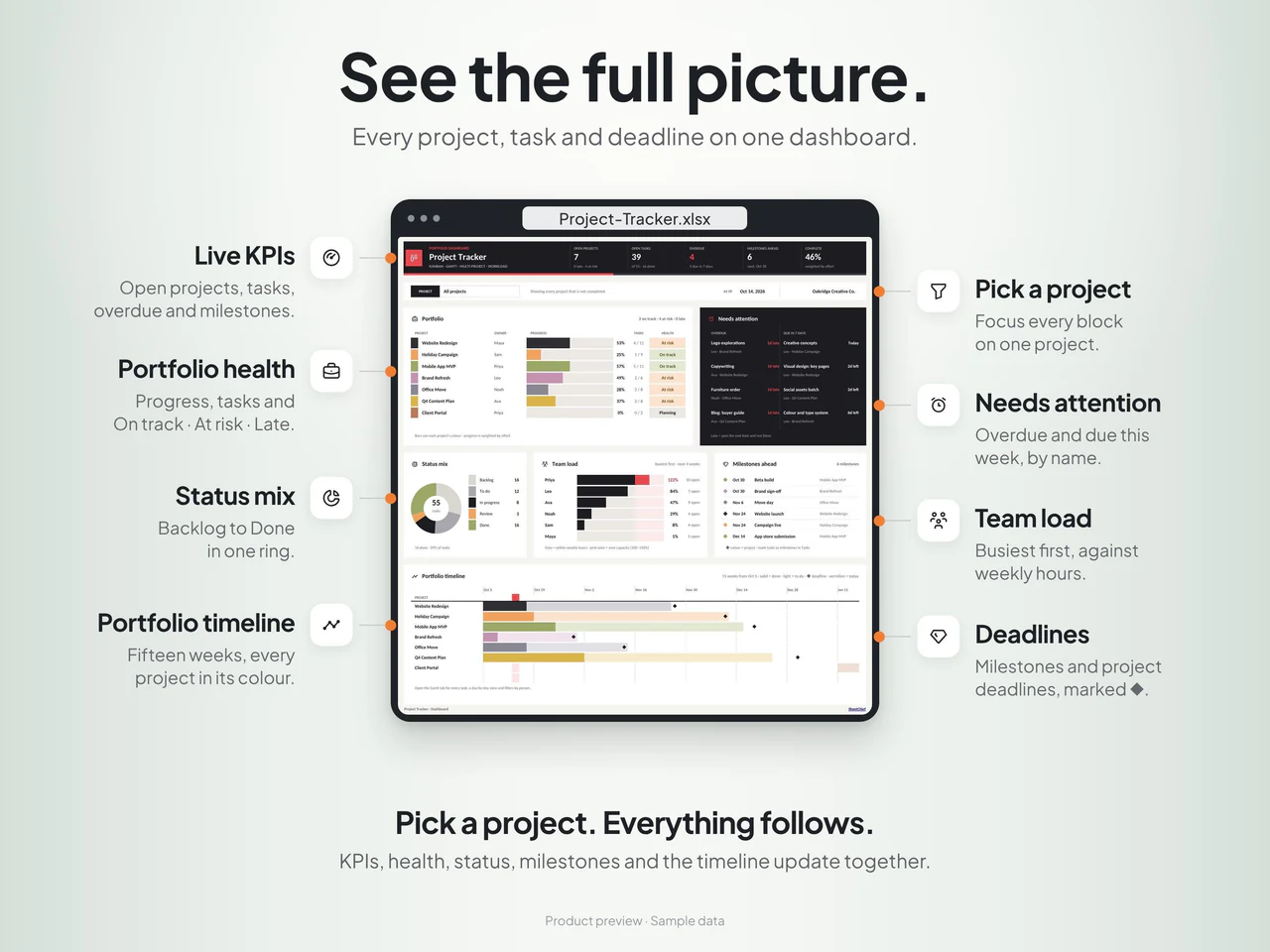
- Tasks, projects and team records feed a portfolio dashboard, five-stage Kanban and Gantt views.
- Task dates can use working-day durations and predecessor task IDs, with weekends and holidays excluded.
- Team load, overdue work and milestones are summarized across projects.
- Includes sample/blank .xlsx files for Excel 2019, 2021 or Microsoft 365 without macros; Google Sheets is not supported.
Based on the Etsy listing reviewed October 28, 2026. Check the current listing for any later changes.
What to prepare
For the workflow this product is designed around, gather:
- Project names and a clear task list
- Task timing and relevant relationships
- Status definitions that the team will use consistently
A practical way to use your records
Break the project into tasks that can be updated meaningfully. Use the same task references when reviewing the Kanban and Gantt views so progress and timing stay aligned. Update the project records before using the multiple-project dashboard for a planning discussion.
A worked example
Fictional example: a team plans a small launch in Excel while keeping task status and timeline dependencies visible.
- Task one
- Approve the brief before production starts
- Task two
- Prepare launch assets after brief approval
- Task three
- Review the assets before the planned launch date
- Give each task an owner and completion condition, then use predecessor task IDs in After for work that follows another task.
- Review the calculated dates, working days and team load when approval timing changes; keep completion status consistent with the actual work.
Result: The Kanban shows current status while dependency-linked dates support the Gantt review. The team can identify how a delayed approval affects later work and check the deadline before accepting the revised plan; no external project-management integration is required for this example.
Fictional figures explain the workflow; they do not represent customer results or guarantee particular template fields. See the included features above and the current Etsy listing.
A closer look at Project Tracker Excel Template with Kanban Board and Gantt Chart
Additional previews from this product's Etsy listing. Open any image for a larger view.
Questions about this product
Are both a Kanban board and Gantt chart included?
Yes. The workbook combines a Kanban board, Gantt chart, project planner and multiple-project dashboard.
Is a Google Sheets version included with this item?
This item is for Excel. Check Etsy for compatibility requirements before using another spreadsheet application.
Which software is specified for this template?
This listing specifies Microsoft Excel. Review its current version and compatibility requirements, included files and download instructions on Etsy.


